Zarify
Mini Bluetooth Pocket Printer
Mini Bluetooth Pocket Printer
Couldn't load pickup availability
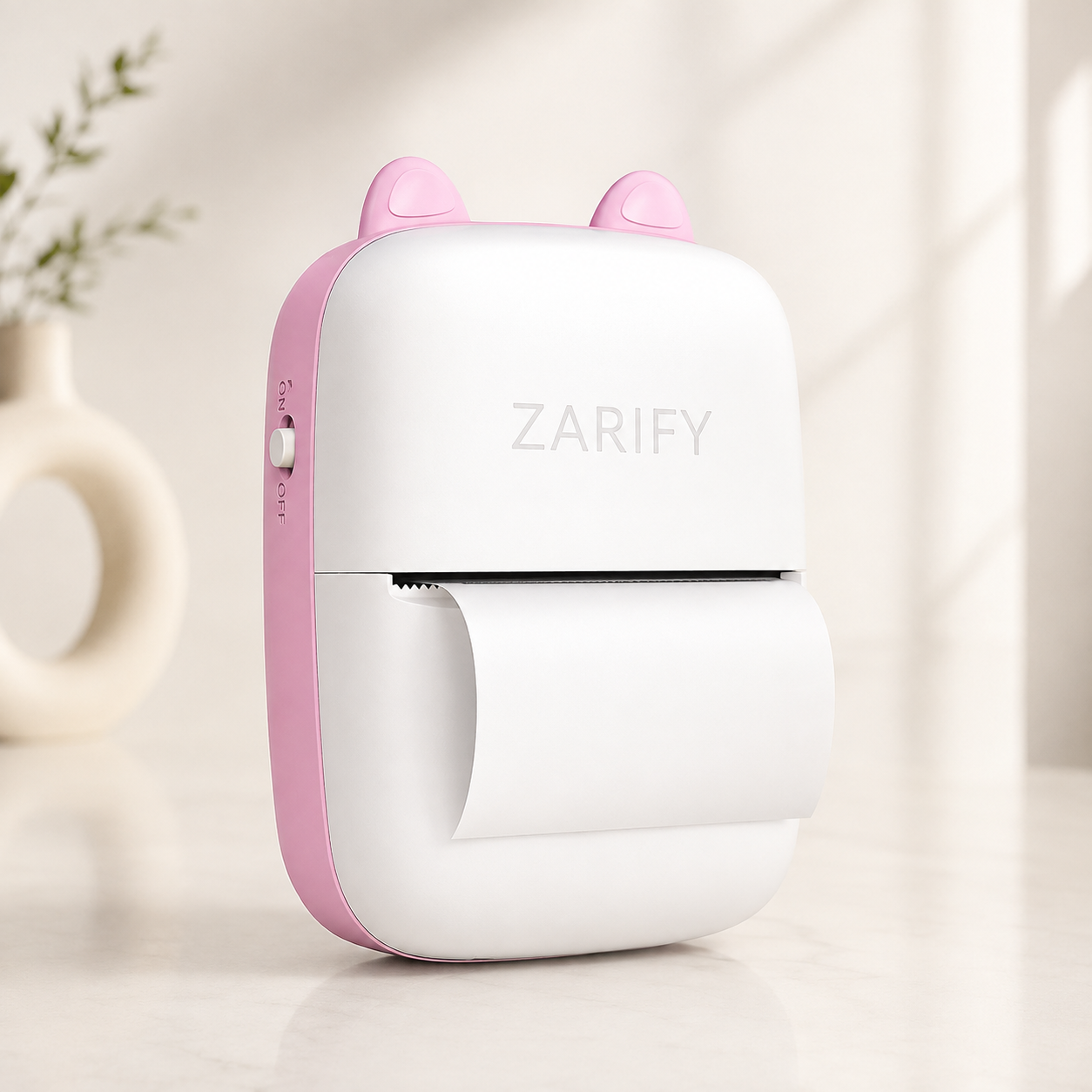
Turn your ideas into instant prints with the Mini Bluetooth Thermal Pocket Printer. This compact, inkless printer connects to your smartphone via Bluetooth, allowing you to print photos, notes, labels, to-do lists, study materials, receipts, and more in seconds. Its lightweight pocket-sized design makes it perfect for students, kids, professionals, and creative projects at home or on the go.
Using advanced thermal printing technology, this printer requires no ink or toner, helping you save money while producing clear black-and-white prints. The included thermal and sticky paper rolls let you start printing immediately.
Key Features
- 📱 Bluetooth wireless connection
- 🖨️ Inkless thermal printing technology
- 📸 Print photos, notes, labels, and stickers
- 🎒 Compact and lightweight pocket-size design
- 🔋 Rechargeable built-in battery
- 🎓 Great for students, kids, journaling, and office use
- 📄 Supports both standard thermal paper and sticky paper
- ⚡ Fast and quiet printing
- 💰 No ink or cartridges required
What's Included
- 1 × Mini Bluetooth Thermal Printer
- 15 × Sticky Thermal Paper Rolls
- 15 × Standard Thermal Paper Rolls
- 1 × USB Charging Cable
- 1 × User Manual
Product Specifications
- Printing Technology: Direct Thermal (Inkless)
- Connectivity: Bluetooth
- Printing Color: Black & White
- Paper Type: Thermal Paper & Sticky Thermal Paper
- Power Source: Rechargeable Battery
- Compatible Devices: Android & iOS Smartphones
- Portable: Yes
How to Use
- Fully charge the printer before first use.
- Install the recommended printing app by scanning the QR code in the manual.
- Turn on the printer.
- Enable Bluetooth on your phone.
- Connect the printer through the app.
- Insert the thermal paper correctly.
- Select a photo, note, or label and tap Print.
Perfect For
- Printing photos
- Study notes
- To-do lists
- Shopping lists
- Labels
- Journals
- Scrapbooks
- DIY crafts
- Kids' learning activities
- Office reminders
Care Instructions
- Use only compatible thermal paper.
- Keep the printer away from water and excessive heat.
- Store paper rolls in a cool, dry place.
- Clean the print head gently with a soft, dry cloth when needed.
- Recharge the battery regularly for the best performance.
Why You'll Love It
This mini printer combines portability, convenience, and ink-free printing in one compact device. Whether you're organizing your daily tasks, decorating your journal, creating labels, or printing memorable photos, it's an easy and fun printing solution for everyday use.
Share